Why an ATS Friendly Resume Matters
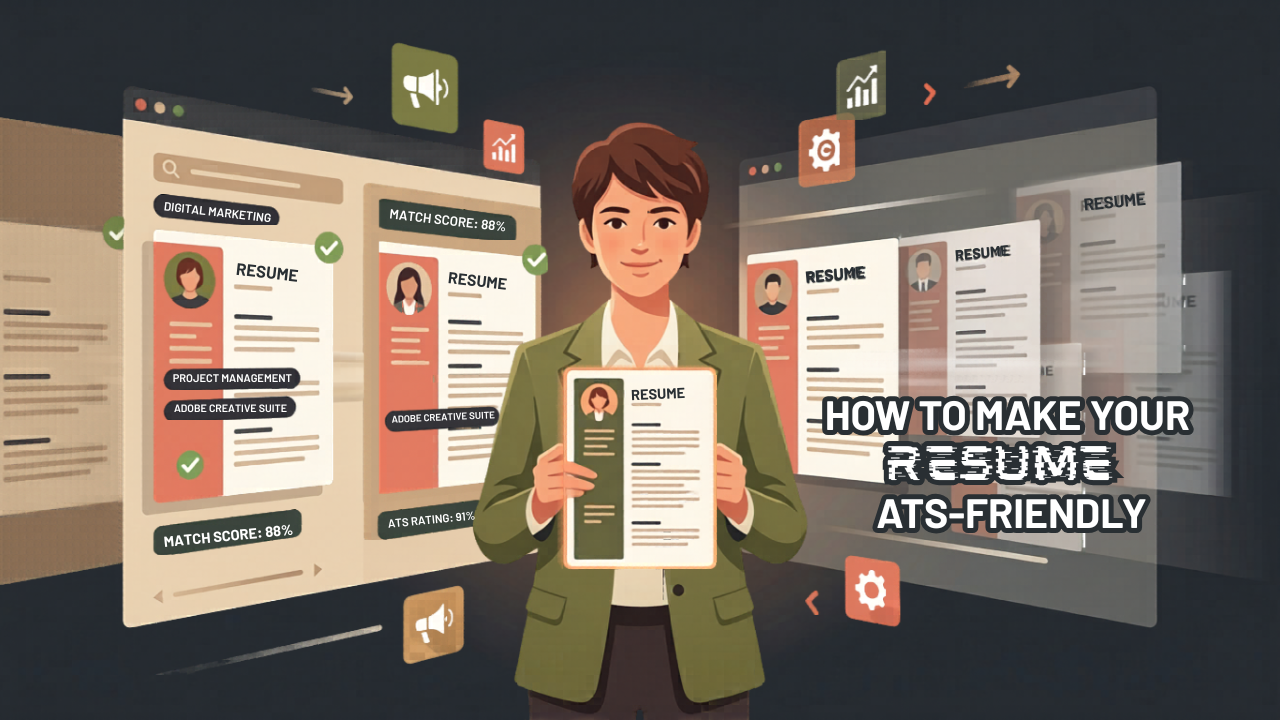
Today, applying for a job is not just about sending a resume. Many companies now use software to filter candidates before a recruiter reviews them. This software is called an Applicant Tracking System (ATS).
Because of this, creating an ATS friendly resume has become essential. Without proper formatting and keywords, your resume may never reach a human recruiter.
What Is an ATS and How It Works
Understanding ATS Screening
An Applicant Tracking System scans resumes and checks if they match the job description. It looks for skills, experience, and keywords.
Unlike a human, the system cannot understand complex designs. Instead, it reads resumes as plain text. If your resume has poor formatting, the system may skip important details.
Why Formatting Matters
Clear formatting helps the system read your resume correctly. When your resume is easy to scan, your chances of getting shortlisted increase.
How to Create an ATS Friendly Resume
Use a Simple Format
Keep your resume clean and structured. Use a single-column layout to avoid confusion. Choose a simple design without tables, images, or icons.
Also, pick standard fonts like Arial, Calibri, or Times New Roman. Keep the font size between 10 and 12 for better readability.
Use Standard Headings
ATS systems recognize common section titles. Use headings like:
- Professional Summary
- Work Experience
- Skills
- Education
- Certifications
Avoid creative headings because the system may not understand them.
Use the Right Keywords
Match the Job Description
Keywords play a major role in an ATS friendly resume. First, read the job description carefully. Then, identify important skills and terms.
Next, include those keywords naturally in your resume. Add them in your summary, skills, and experience sections.
Avoid Keyword Overuse
Use keywords wisely. Adding too many can reduce your chances. Keep your content natural and relevant.
Show Achievements with Action Words
Focus on Results
Employers prefer results over duties. Start sentences with action words like “managed,” “created,” or “improved.”
For example:
- Managed a team of 5 members and increased sales by 20%
- Created marketing campaigns that improved engagement by 40%
This approach strengthens your resume and improves keyword matching.
Add a Strong Skills Section
Highlight Relevant Skills
A skills section helps both ATS and recruiters. Include:
- Technical skills
- Job-related skills
- Soft skills
Make sure your skills match the job role you are applying for.
Choose the Right File Format
Use ATS-Friendly Formats
Save your resume in formats that ATS systems can read easily.
Use:
- .docx (best option)
- .pdf (only if text-based)
Avoid image formats like JPG or PNG because ATS cannot read them.
Avoid Complex Design Elements
Keep It Simple
Do not use headers, footers, or graphics. These elements can confuse the system.
Place your contact details in the main body of the resume to ensure they are visible.
Customize for Each Job
Tailor Your Resume
Always adjust your resume for each job. Update keywords based on the job description.
This step improves your chances of passing the ATS screening.
Check Your Resume Before Applyin
Use ATS Tools
Before submitting, test your resume using tools like Jobscan or Enhancv. These tools show how well your resume matches the job description.
Although not perfect, they provide useful insights.
Conclusion
An ATS friendly resume increases your chances of getting shortlisted. Simple formatting, correct keywords, and clear structure make a big difference.
Focus on clarity and relevance. When you build your resume smartly, it works for you and improves your job opportunities.